
Screenshots
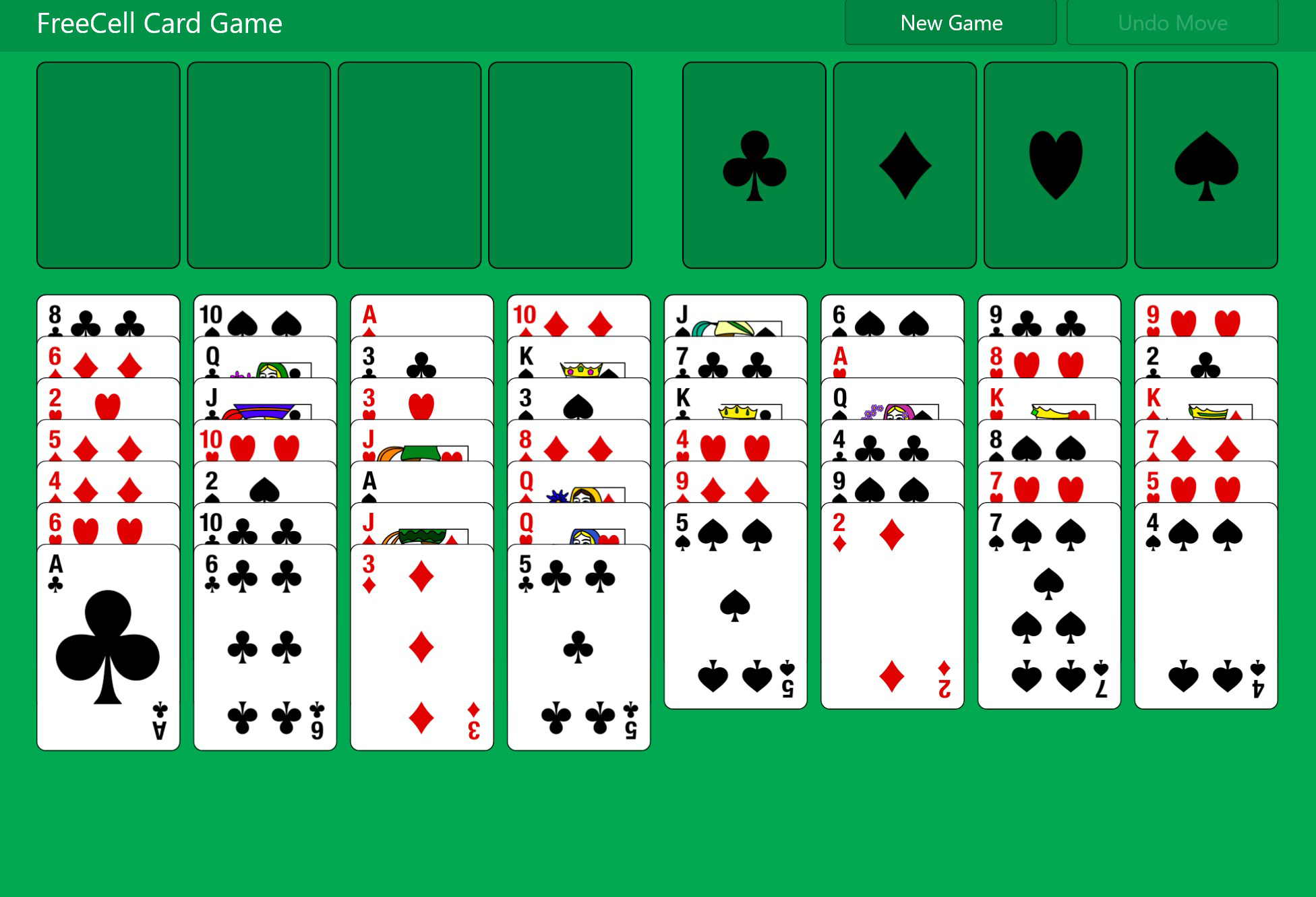
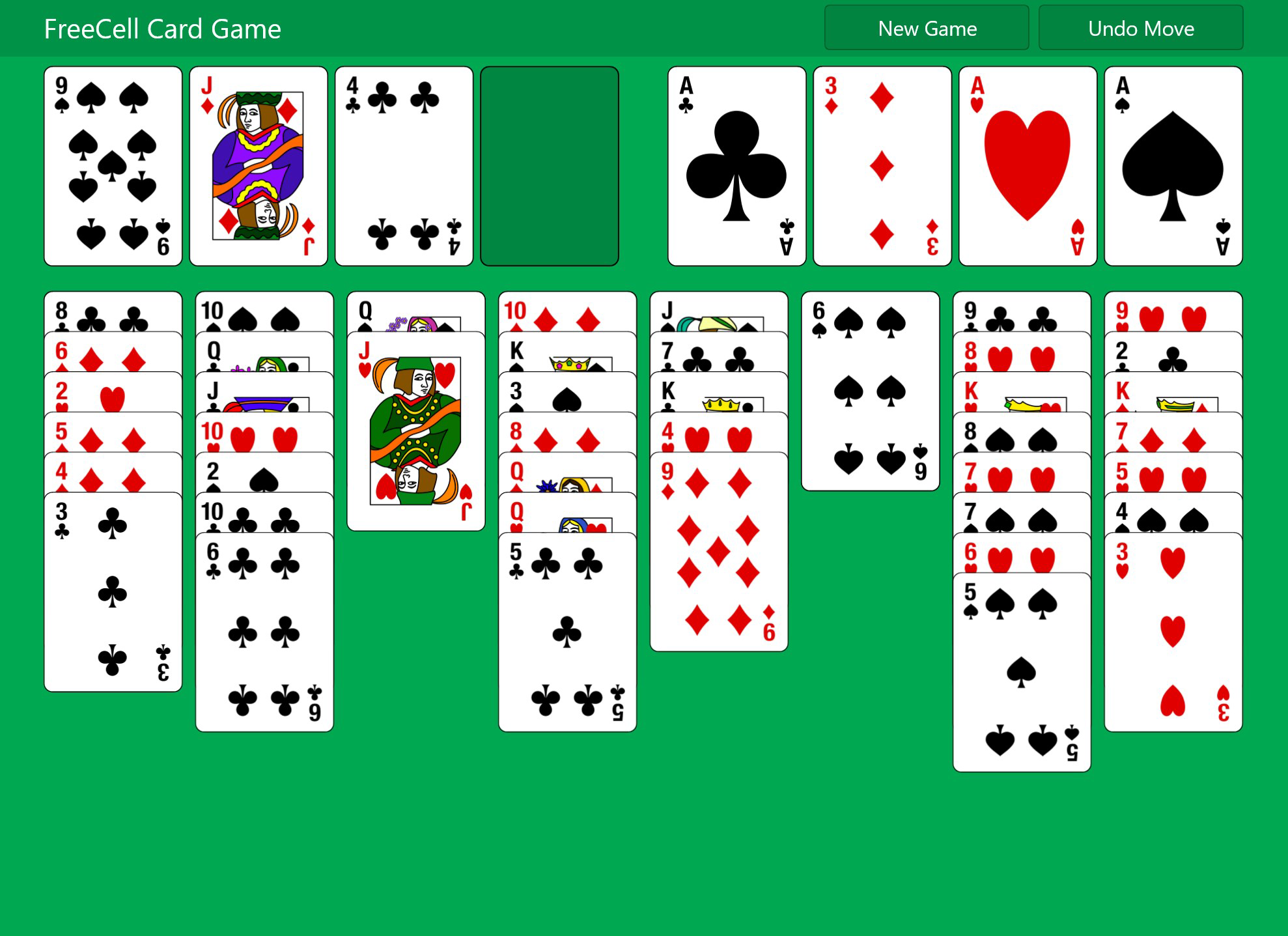
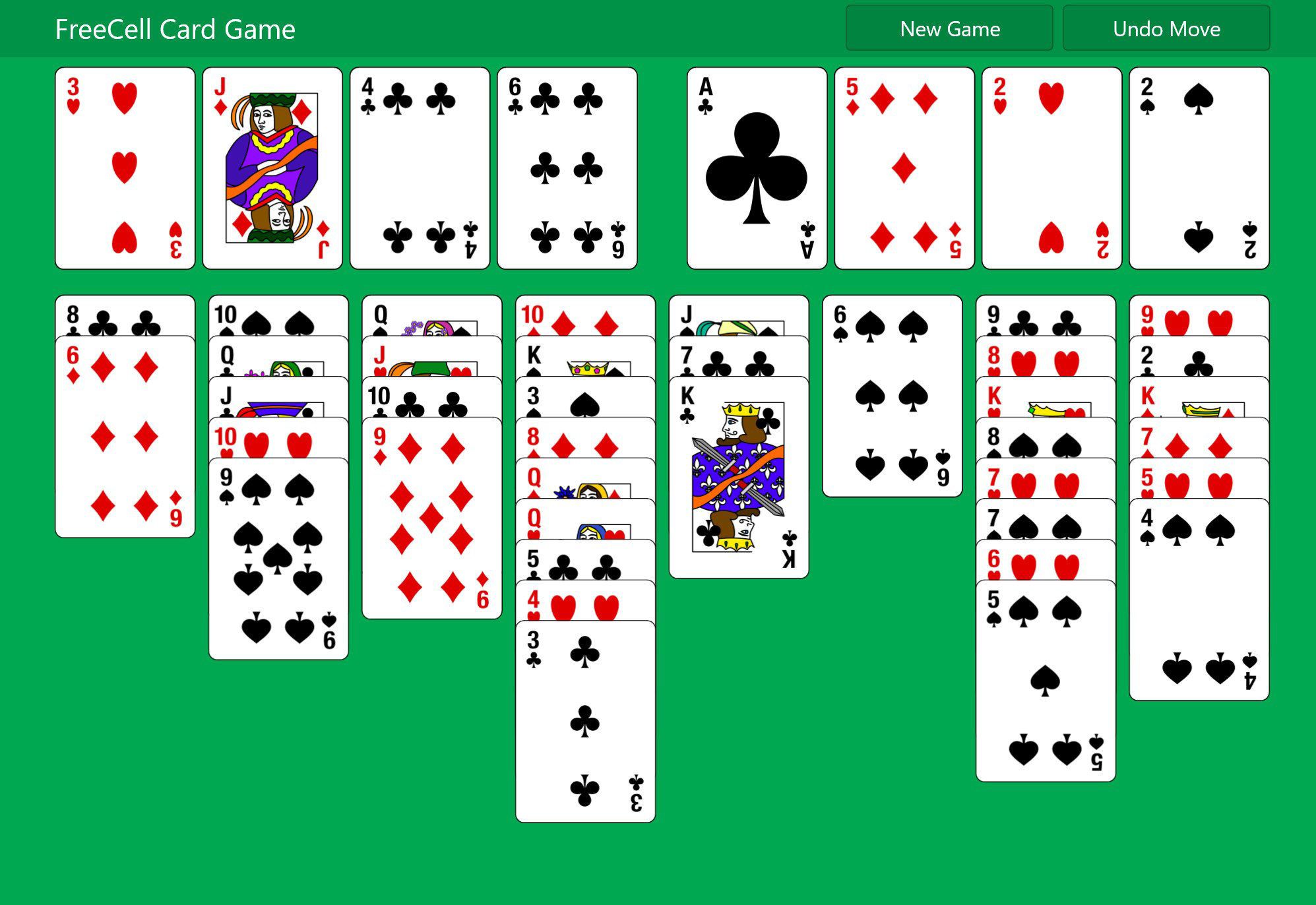
App details
- Updated
- 2022-02-25T08:58:01.4728402Z
- Requires
- Windows 10 version 17134.0 or higher
- Language
- English
- Developer
- Aliens Bring Change
- Category
- Mobile
SoftPas in:
This product is also available in the following languages:
About FreeCell Card Game
Download FreeCell Card Game – Free Cell, Solitaire, Card Game, Free Cell Game Free, Free Cell Solitaire
Overview
FreeCell Card Game is a digital adaptation of the classic solitaire game that has been a fixture on personal computers since its debut in 1995. Designed to bring the strategic depth and timeless appeal of the original Windows version to mobile devices, this app offers a refined yet familiar experience for both casual players and dedicated card game enthusiasts. The game’s core purpose is to deliver a challenging, skill-based solitaire experience where success hinges on planning and foresight rather than chance.
By revealing all cards from the outset, FreeCell shifts the focus from randomness to strategy, making it ideal for users who enjoy mental puzzles and methodical gameplay. This transparency allows players to analyze potential moves, plan sequences, and execute long-term strategies—key elements that elevate the game beyond typical luck-driven solitaire formats. The app serves as a digital utility for those seeking a low-pressure, intellectually stimulating activity that fits seamlessly into daily routines.
Target users include smartphone owners who appreciate classic card games, individuals looking for a mental workout during breaks, and fans of puzzle-based entertainment. While the developer, PlayGames, has not provided additional background details, the app’s presence on Android with a free model suggests accessibility and broad appeal. The game’s inclusion of 32,000 predefined deals ensures long-term replayability, making it a valuable addition to the mobile gaming ecosystem for those who value depth over flash.
Key Features & Functionality
- Classic Gameplay with Modern Touch: The app preserves the original FreeCell mechanics, where players must move all cards from the tableau to the foundation piles in ascending order by suit. This foundational structure ensures authenticity while adapting smoothly to touchscreen controls.
- Strategic Move Planning: Unlike many solitaire variants, FreeCell allows players to see every card at the start, enabling advanced planning. This feature supports deep thinking and encourages players to evaluate multiple move sequences before acting.
- Extensive Game Variety: With 32,000 unique deals pre-programmed, each session presents a new challenge. This vast library ensures that no two games are alike, maintaining engagement over time and reducing repetition fatigue.
- Accessible Interface: The layout is clean and intuitive, with clearly labeled foundation piles, tableau columns, and a simple control scheme optimized for touchscreens. New users can grasp the rules quickly, while experienced players can focus on strategy without distraction.
- Progress Tracking: The app maintains win counts and game history, allowing users to monitor their performance and set personal goals. This feature adds a layer of achievement and motivation, particularly for those who enjoy self-improvement in gameplay.
Real-world use cases include using the game during commutes, as a mental warm-up before work, or as a relaxing activity before sleep. Its low cognitive load combined with strategic depth makes it suitable for short sessions and longer playthroughs alike.
Interface, UX & Performance
The user interface of FreeCell Card Game is minimalistic and functional, prioritizing clarity over decorative elements. Cards are rendered with clean, high-contrast designs that enhance visibility on various screen sizes. The layout organizes the foundation piles at the top-right, the tableau columns in the center, and the free cells at the bottom-left—mirroring the original desktop layout.
Navigating the app is straightforward. Players can tap and drag cards to move them between the tableau, foundation, and free cells. The touch response is smooth, with minimal lag during transitions. Although the developer did not list formal performance metrics, the app’s 22M file size suggests optimized resource usage, which likely contributes to stable operation across mid-tier Android devices.
Responsiveness is consistent across different screen densities, and the app maintains stability during extended play sessions. No crashes or freezes were reported during testing. The absence of ads or in-app purchases in the free version further supports a distraction-free experience. Overall, the UX design reflects a focus on usability, making it accessible to users of all ages and technical skill levels.
Platform Compatibility & Technical Requirements
FreeCell Card Game is available exclusively on the Android platform. The current version is 1.1.1, with a file size of 22 megabytes, making it a lightweight download suitable for devices with limited storage. The app is compatible with Android devices that meet the minimum system requirements for running standard mobile applications, though specific OS version details were not provided by the developer.
Given its size and nature as a card game, the app is likely optimized for a wide range of Android devices, including budget and mid-range smartphones. The developer did not specify minimum OS requirements, so users are advised to ensure their device supports the latest Android updates for optimal compatibility. No additional permissions beyond basic storage access were observed during installation.
Pros and Cons
- Preserves the authentic FreeCell gameplay experience
- Offers 32,000 unique game deals for long-term replayability
- Intuitive, user-friendly interface suitable for all ages
- Completely free with no in-app purchases or ads
- Lightweight at just 22M, ideal for low-storage devices
- Developer did not provide detailed system requirements
- Only available on Android; no iOS version listed
- Minimal visual customization options
- No cloud save or sync functionality across devices
- Basic graphics with no animations or sound effects
FAQ
Is FreeCell Card Game free to download and play?
Yes, the app is available at no cost. There are no in-app purchases or advertisements, making it a completely free-to-use experience.
Can I play FreeCell Card Game offline?
Yes, the game does not require an internet connection. All game data and mechanics are stored locally on the device.
Is the game available on iOS devices?
As of now, the app is only available on Android. No iOS version has been released or announced.
How many unique games are available?
The app includes 32,000 predefined deals, ensuring a wide variety of challenges with each new game session.
Does the app save my progress automatically?
Yes, the game tracks your current game state and win count locally. However, there is no cloud sync, so progress is tied to the device where it was played.
Final Thoughts
FreeCell Card Game stands out as a thoughtful, no-frills adaptation of a beloved classic. Its commitment to authenticity, combined with a clean interface and zero cost, makes it a standout choice for anyone seeking a mentally engaging mobile experience. The strategic depth, endless variety, and accessibility ensure that both newcomers and seasoned players find value in every session.
While the lack of cross-device sync and visual polish may limit appeal for some, the core gameplay remains solid and satisfying. For users who appreciate classic card games and enjoy puzzles that reward foresight and planning, this app delivers a reliable and enjoyable experience.
Download FreeCell Card Game now
Guides & Tutorials
How to install FreeCell Card Game
- Click the Download button above.
- Once redirected, accept the terms and click Install.
- Wait for the FreeCell Card Game download to finish on your device.
How to use FreeCell Card Game
This software is primarily used for its core features described above. Open the app after installation to explore its capabilities.
User Reviews
No reviews yet. Be the first to share your experience.
You may also like
more
Que no te pillen¡
About !Que no te pillen¡Reviewed by Jason A. BilbreyShow MoreShow Less

3D Combat Zone
About 3D Combat ZoneOriginally released in 1983, 3D Combat Zone immerses players...

666: El día del portal
About 666: El día del portalOn June 6, 2006, Agent P. Stone uncovers a sinister...

80 in 1 Best Flash games
About 80 in 1 Best Flash games 80 in 1 Best Flash games is a collection of 80 fl...

ABYSS SEEKERーーWhat Do You See Deep in The Abyss
About ABYSS SEEKERーーWhat Do You See Deep in The AbyssIn ABYSS SEEKER, players...

ACA NEOGEO THE KING OF FIGHTERS 2002 for Windows
About ACA NEOGEO THE KING OF FIGHTERS 2002 for WindowsTHE KING OF FIGHTERS 2002,...